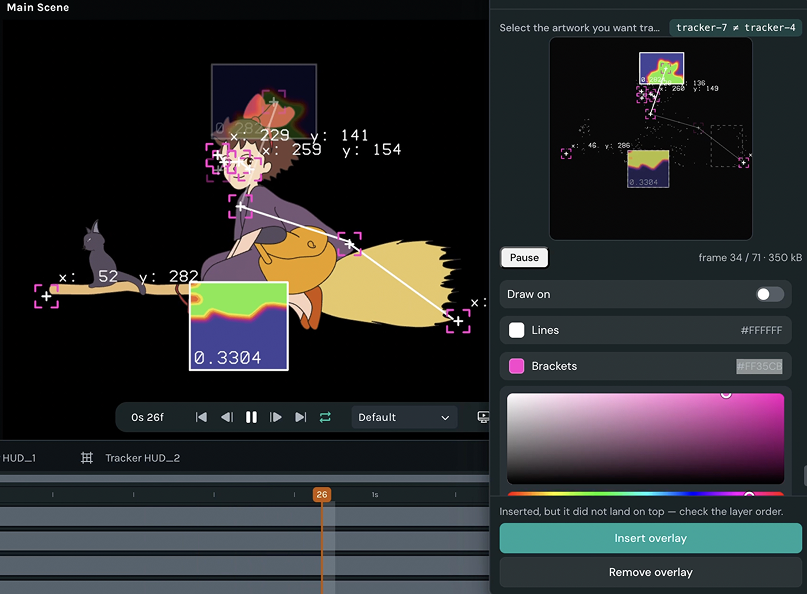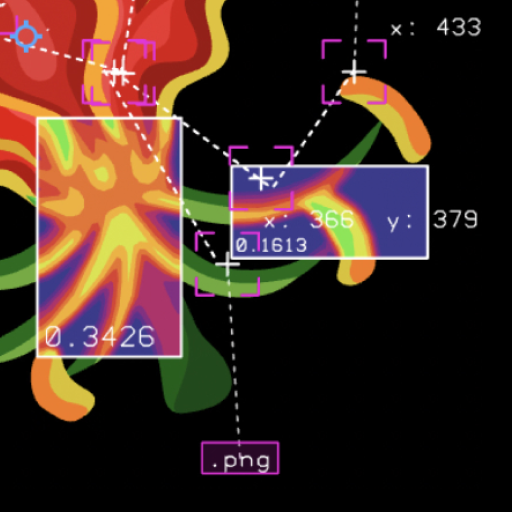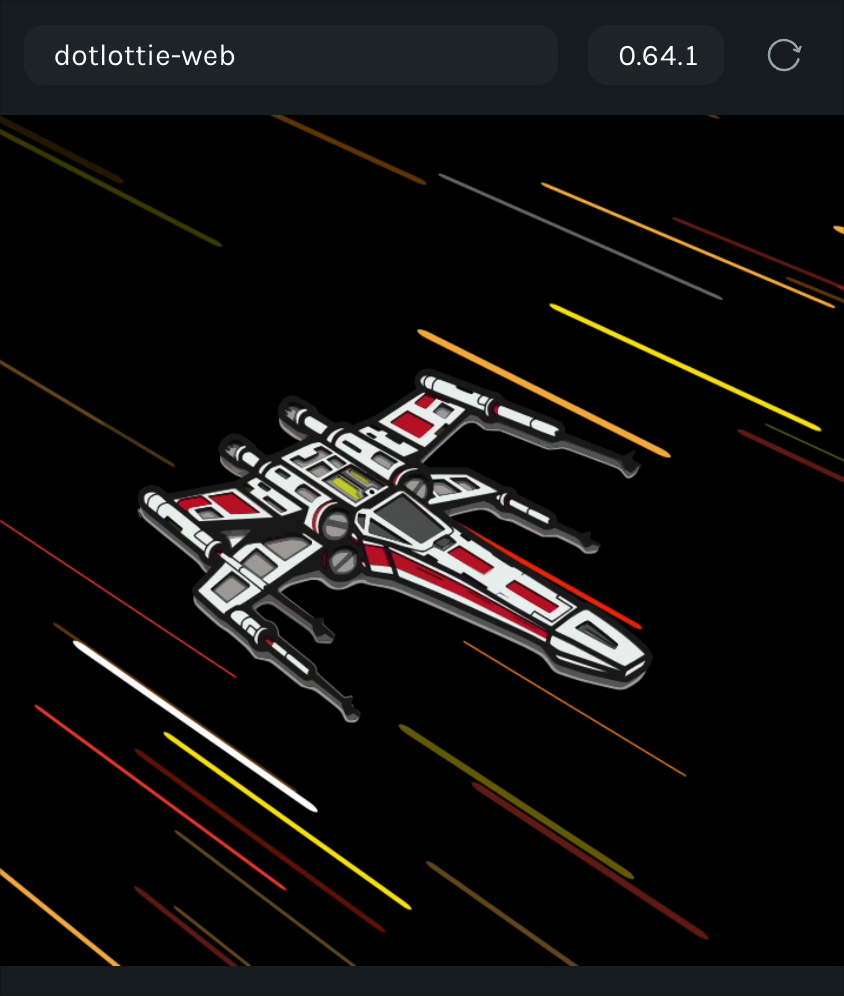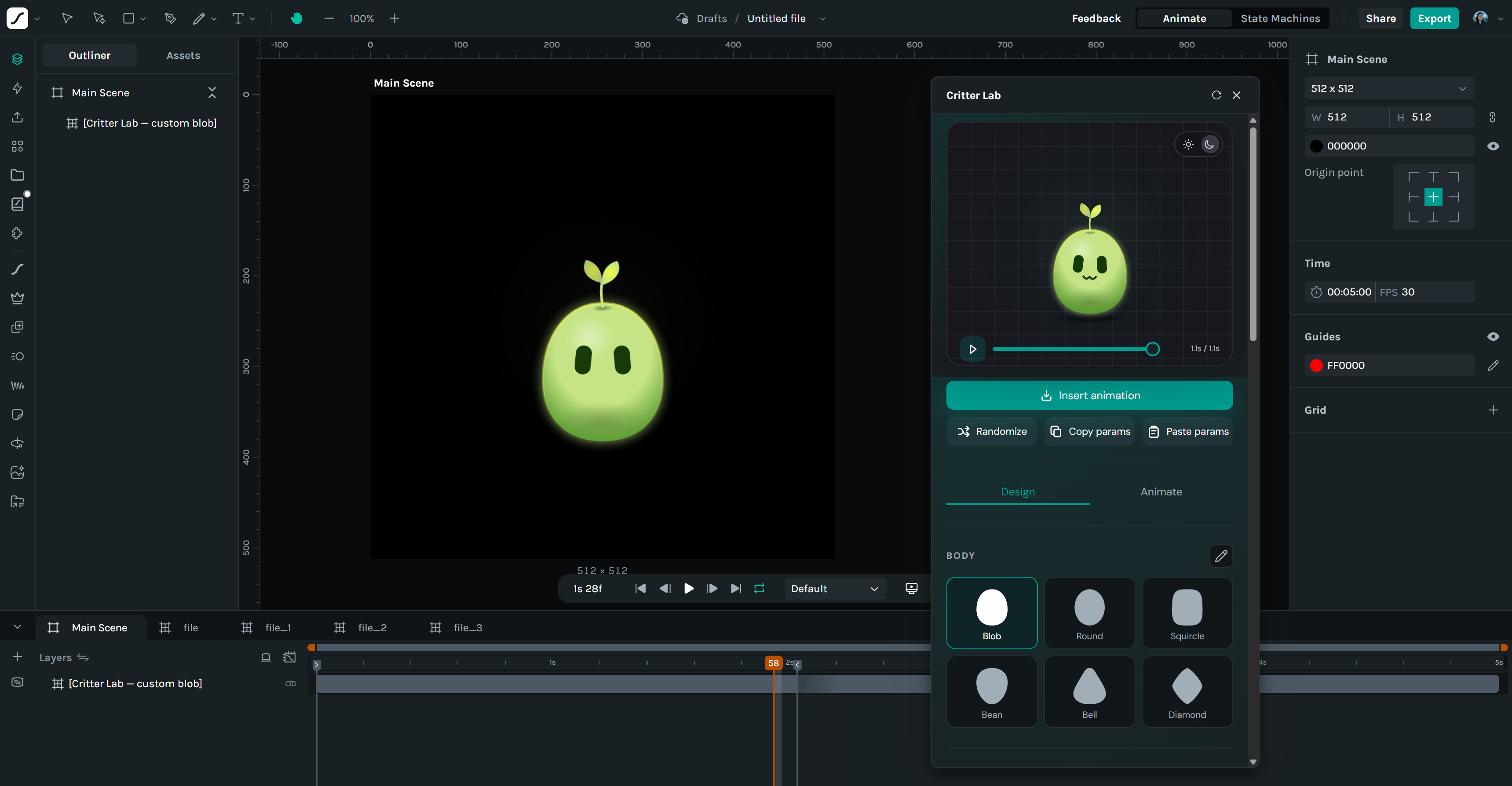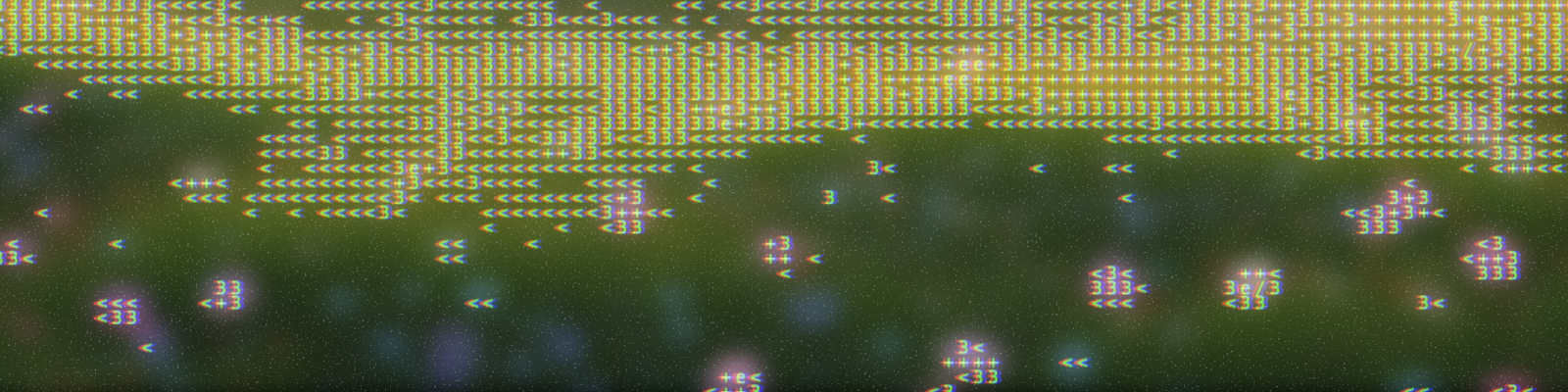
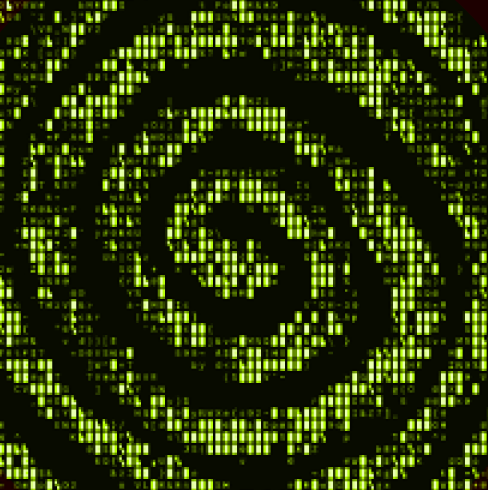
Screenshots

About this plugin

ASCII traces the animation on your canvas and rebuilds it out of characters.

It reads your scene frame by frame — shapes, strokes, gradients, images, text and nested scenes — and converts each one into a grid of characters, then lays them back into Creator as a flip-book of real text layers. Not a picture of text: actual editable type you can restyle, recolour or animate further, and that exports as text in your Lottie.

Text size sets the resolution. Larger type means fewer, chunkier characters; smaller type means finer detail. Choose from six character sets — Classic, Fine, Blocks, Dots, Bold and Binary — or switch to Outline mode, which traces edges with - \ | / instead of shading them, giving much cleaner results on line art and thin strokes.

Tune the look with contrast, brightness and an ink threshold that decides how much of a cell the artwork must cover before it counts. Ordered dithering breaks flat bands into texture, which matters most on the shorter character sets. Pick your own background and text colours, or match the scene.

The live preview shows exactly what will land on the canvas, at the same proportions and cropped in the same places, so you can dial it in before committing. Insert into a new scene or the current one, with an optional backdrop layer — or just copy the frames out as plain text.

New in version 1.0.1

Converts your animation into ASCII art frame by frame and inserts it as real editable text layers. Six character sets, Shaded/Outline/Both styles, dithering, contrast and threshold controls, custom colours, and a live preview that matches the canvas exactly. Masks, mattes and trim pat