Screenshots

About this plugin

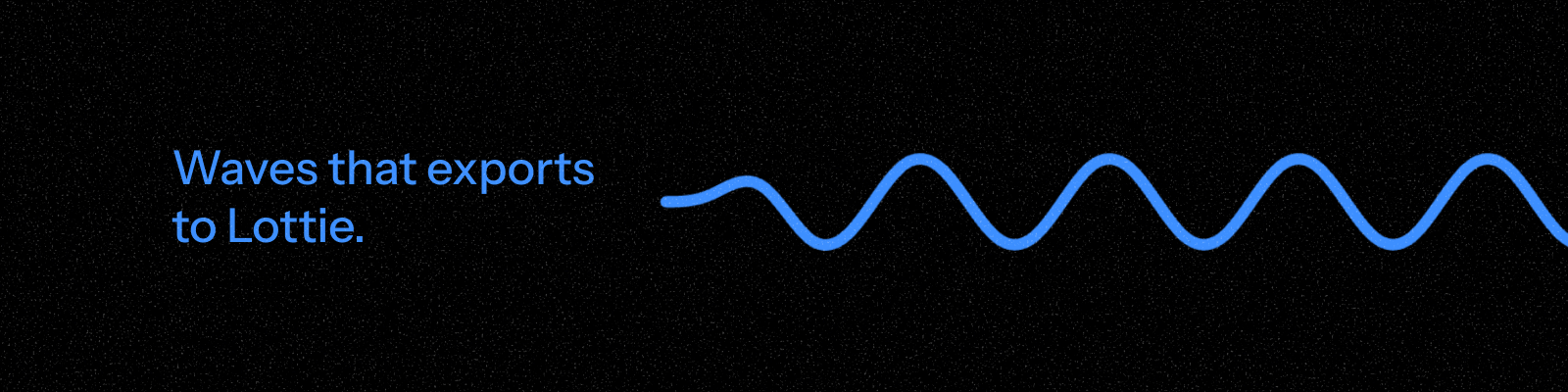
Waves for Lottie builds a travelling wave two ways: drop in a ready made animated wave shape, or apply the same deformation to a path you have already drawn.

Preset waves insert a standalone wave. Pick from six curated presets, Gentle, Ocean, Ripple, Ribbon, Signal, and Pulse, each tuned across waveform, amplitude, wavelength, speed, and colour. Four waveform shapes are available: sine, soft, triangle, and pulse, with a roundness control for softening triangle corners.

Selected shape applies the same travelling deformation to a path already in your scene. Every horizontal position along the path stays fixed while a vertical wave moves through it, like fabric pinned at an edge. Pin the left, right, both, or neither edge to change how the wave anchors.

Speed is measured in pixels per second and set independently of wavelength, so changing one never distorts the other.

Bake quality, Compact at 17 poses, Balanced at 33, or Smooth at 49, trades file size for motion fidelity, and every bake includes the duplicate closing pose a seamless loop needs.

What you get:

  • Two ways in: preset waves or deformation on a selected path

  • Six presets across four waveform types

  • Independent amplitude, wavelength, speed, roundness, and direction controls

  • Stroke or fill rendering, with adjustable stroke width and colour

  • Three bake quality tiers, always seamless loop ready

New in version 1.0.1

Waves for Lottie 1.0.1

Fixed

  • The wave now runs the full length of your scene and loops on the wrap. It used to stop after one cycle.

  • Short wavelengths export the wave you previewed. They used to be sampled too coarsely.

  • The speed slider reports the speed you actually get. Seamless looping quantises it.

  • Preview and export now share one timing calculation.

  • Thick strokes and round line ends are no longer clipped at the edge of the composition.

  • Curved paths are no longer cropped in the preview.

  • The Soft waveform reaches the amplitude you set. It used to fall 11% short.

New

  • A selected shape keeps its own paint: fills, strokes, stroke weights, and linear and radial gradients with their stops and alpha. Shapes built from several painted groups stay that way.

Changed

  • Colour and stroke controls are gone from Selected shape mode, since the shape supplies them. Recolour the source shape and refresh. Preset waves keep their own.

  • Keyframe counts, vertex counts and file sizes removed from the panel.

  • Quality switch is now Smoothness (Light, Balanced, Smooth) and sits with the motion controls.

  • The preview takes the proportions of the selected shape instead of a fixed widescreen box.

  • Smaller files: each keyframe no longer stores a second copy of the next pose.