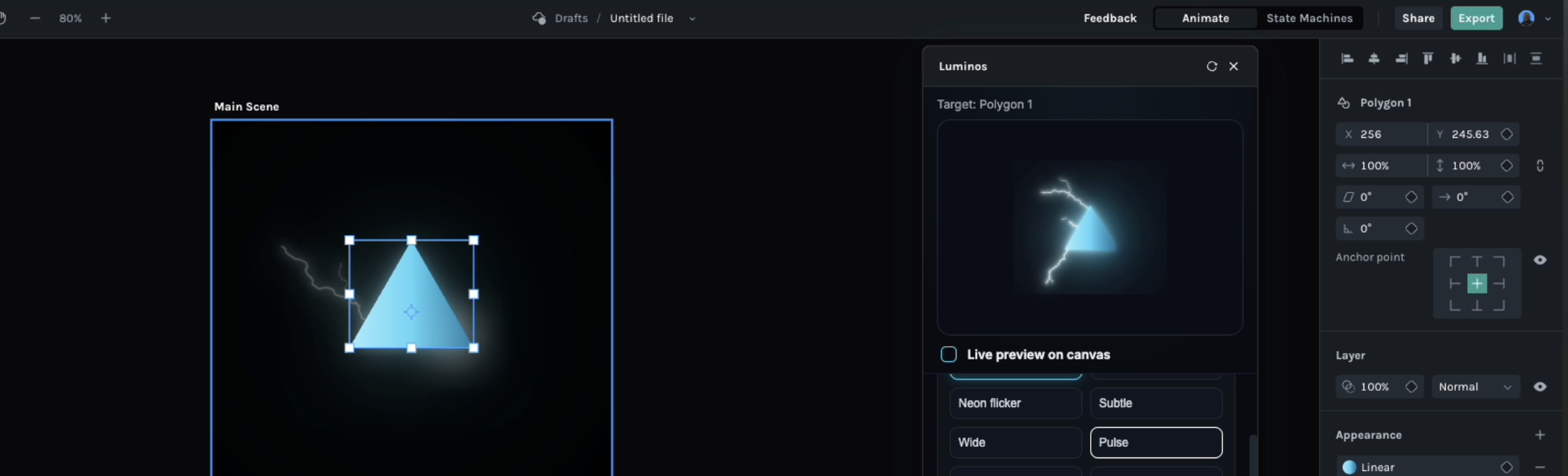
Luminos is a light effects toolkit for Lottie Creator. Pick a layer, choose a look, and Luminos builds the glow as ordinary Creator layers beneath (and, for overlays, above) your artwork, so the result stays editable and exports as standard Lottie.
Two styles. Bright Glow radiates from the filled shape with a white-hot centre that cools into the shape's own colour. Neon Glow turns the outline into a lit tube with a bright core, a coloured skin, a soft halo and adjustable tube width and softness, with trim path controls for draw-on, draw-and-erase and chase animations around the tube.
Presets and motion. Glow, Neon, Subtle and Wide give you a starting point; Pulse, Flicker and Breathe out animate the glow over the length of your scene, with an eased scale amount you can dial from a gentle breath to a full expansion. Two engines are available: Blurred Rings uses Creator's real blur effects, and Flat Rings builds the glow from stacked vector layers for players without effect support.
Extras. Electric arcs spawn fractal bolts from the outline or from the anchor point, drawing on, flickering and fading like a real discharge. Lightning strike flashes the whole shape and can throw a bolt from the top of the scene, from above the anchor, or downward from the anchor as if the shape were a cloud. Two light sweeps pass a soft band across the surface or around the rim, with speed and blur controls. Iridescent liquid animates a gradient fill between the shape's own colours and a second set you pick, or lets it wander procedurally like oil on water.
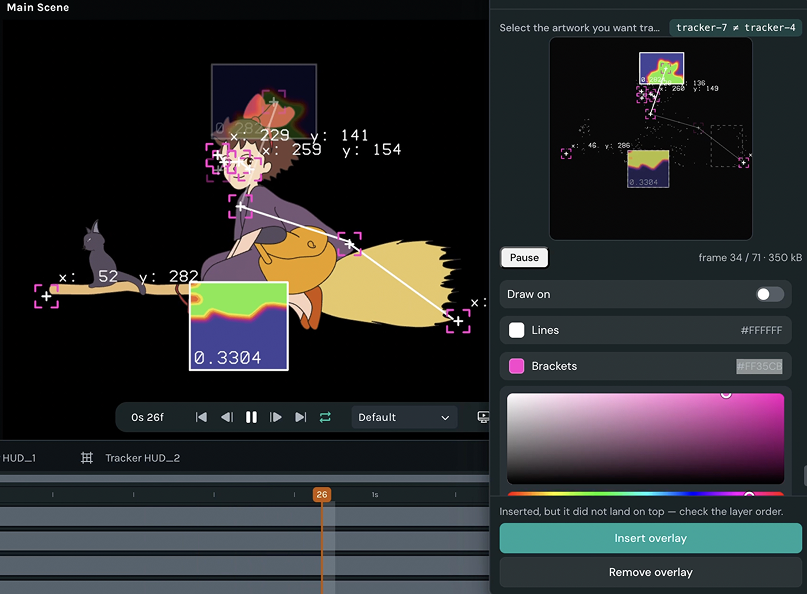
Works with your animation. Luminos reads the selected layer's opacity, position, rotation and scale keyframes, easing included, and makes the glow follow them. Shapes that morph or move inside a group or a nested scene are sampled over time so the light stays attached. Gradient fills carry through to the glow, text layers get glow and neon in their own font, and multi-select shows every layer in one preview and applies to all of them at once.
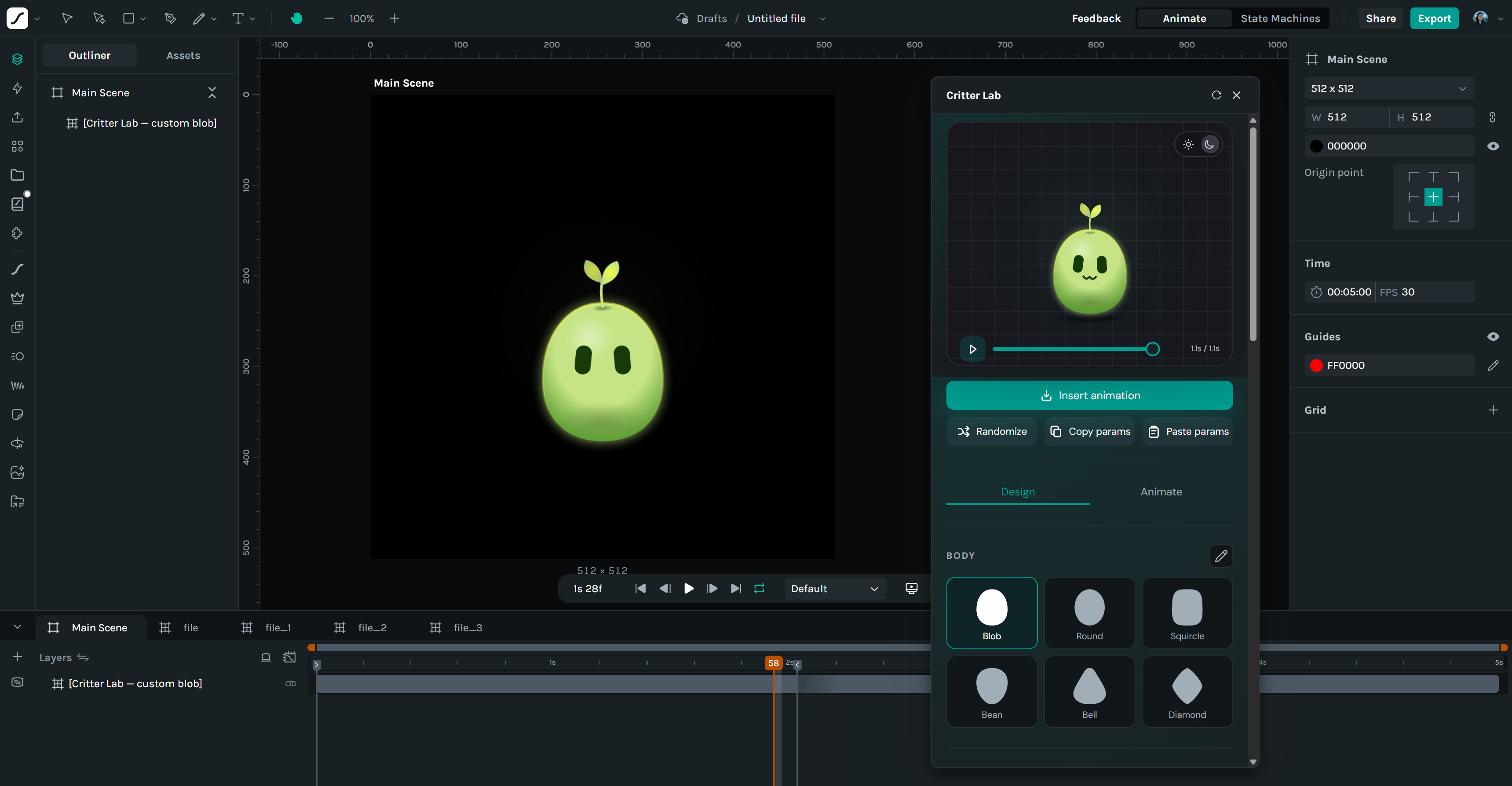
Preview first. The panel shows a live rendering of your settings, animations included, and a "Live preview on canvas" toggle lets you see Creator's actual render while you adjust, then keep or discard it in one click.
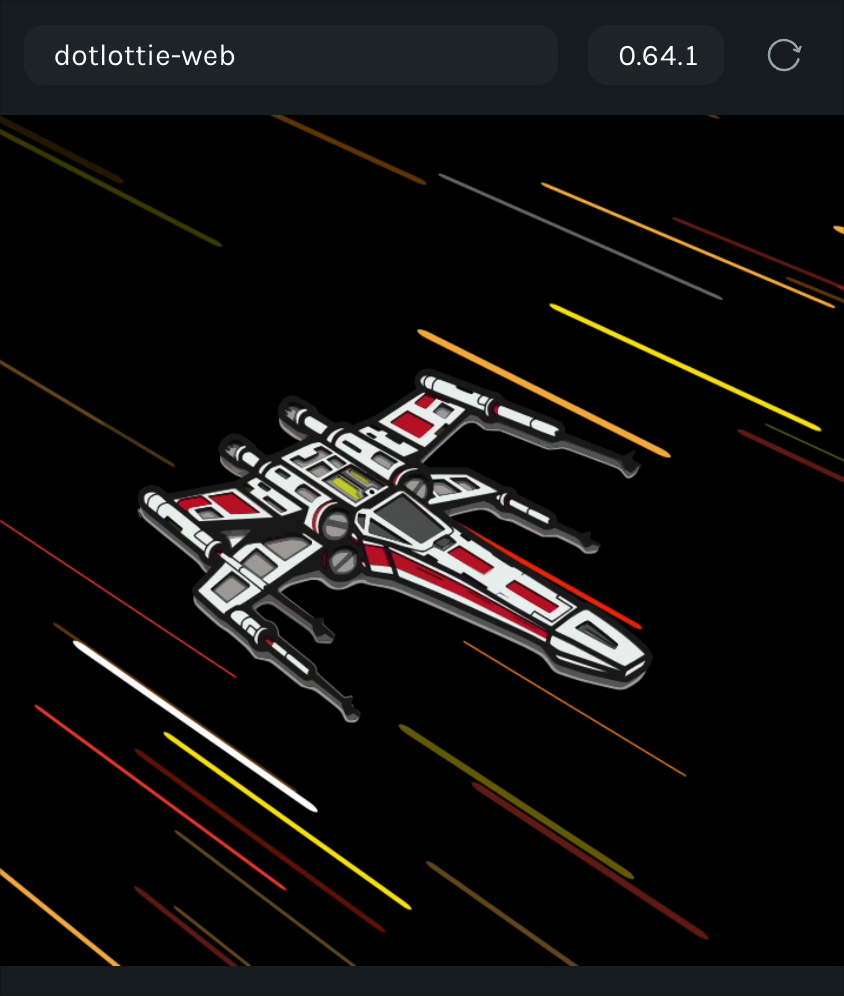
Luminos never modifies your source layer's shapes or fills (the iridescent mode only keyframes the gradient when you ask it to, and warns if keyframes already exist). Effects render in dotLottie and any player with Lottie layer effect support.