Similar Creations
View all →
Morpher
Motion Mau
productivityv0.0.1Morph any icon into any other. Pick a few from Lucide, Iconoir or Heroicons, or use shapes off your canvas, and Morph animates between them with spring physics and drops it on your timeline.
3D Shapes for Lottie
Motion Mau
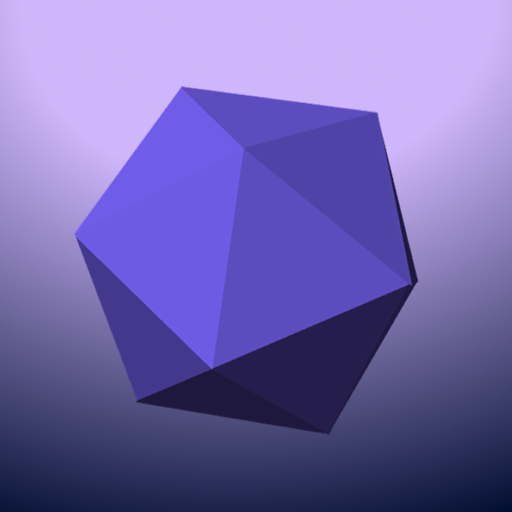
productivityv1.0.0Bake real 3D shapes into Lottie. Ten solids, from a cube to a torus to a coil, rotate in true perspective with per-face shading and hidden faces removed, then land as ordinary Lottie shape layers. No expressions and no runtime library, so they play anywhere Lottie plays. Loops are seamless by construction, and one slider trades file size against precision.

Coin rig
Nitish
productivityv1.0.0A flat vector coin that spins in 3D. Set the axis, camera angle, thickness and timing, hit Build, and you get native Creator shapes, groups and keyframes you can keep editing. Drop your own SVG into either face scene and it inherits the whole rotation.
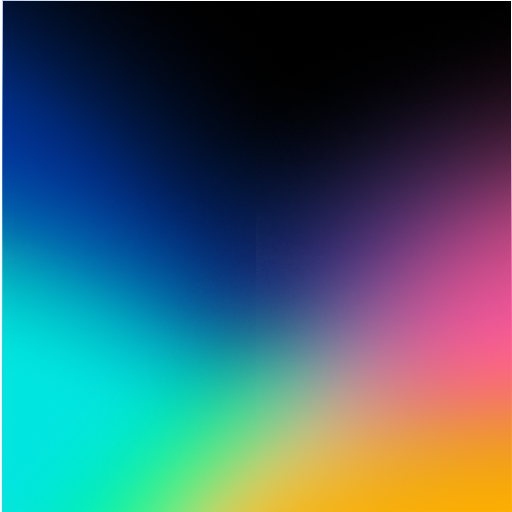
Vibing Gradients
Motion Mau
productivityv1.0.0Generate animated mesh-style gradients and drop them straight into your scene. Choose from 53 presets across six looks — holographic blooms, drifting blobs, flowing bands, curtains, tides and silk, then tune colour, blur, motion and loop length with a live preview. Inserts as a seamlessly looping nested scene.