Similar Creations
View all →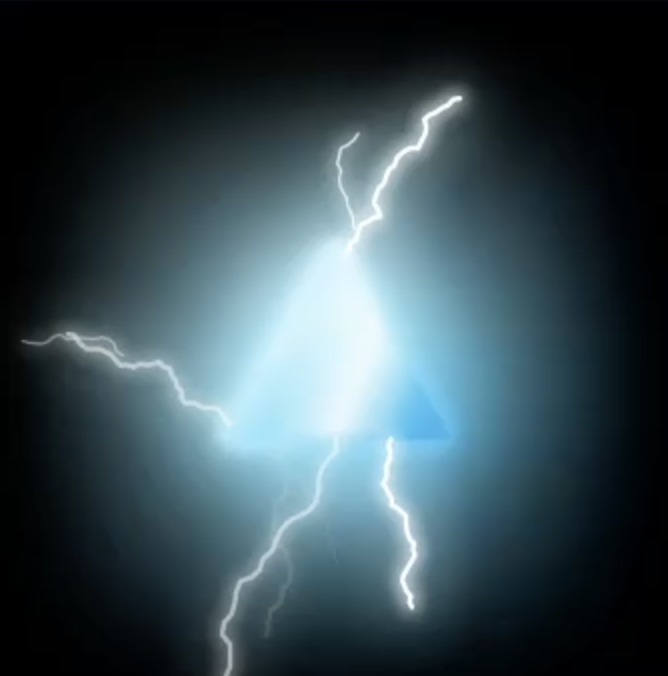

Luminos
MrSmudge
designv1.0.0Luminos adds real light to Lottie Creator. Give any shape, text or nested scene a bright glow or a neon tube, then layer on electric arcs, lightning strikes, light sweeps and iridescent gradients. Presets for pulse, flicker and breathe animations, a live preview in the panel and on the canvas, and glows that follow your layer's keyframes. Built from Creator's own blur and drop shadow effects, so everything stays editable and exports as dotlottie.
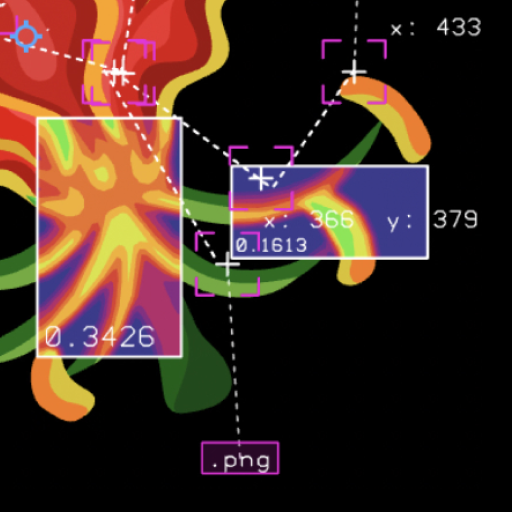
Heatmap HUD
KellythePotato
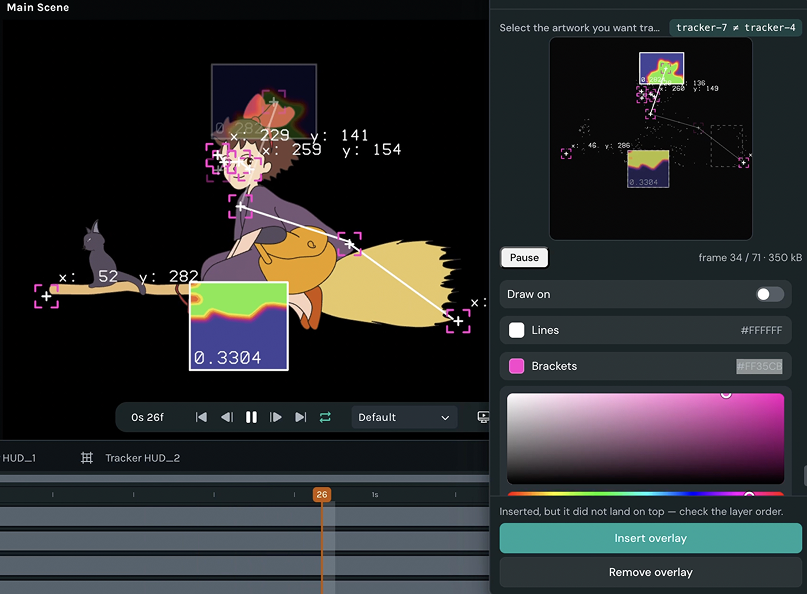
designv1.0.2Turn any animation into a data readout — false-colour heat maps, tracking brackets and live coordinates, locked to your artwork.
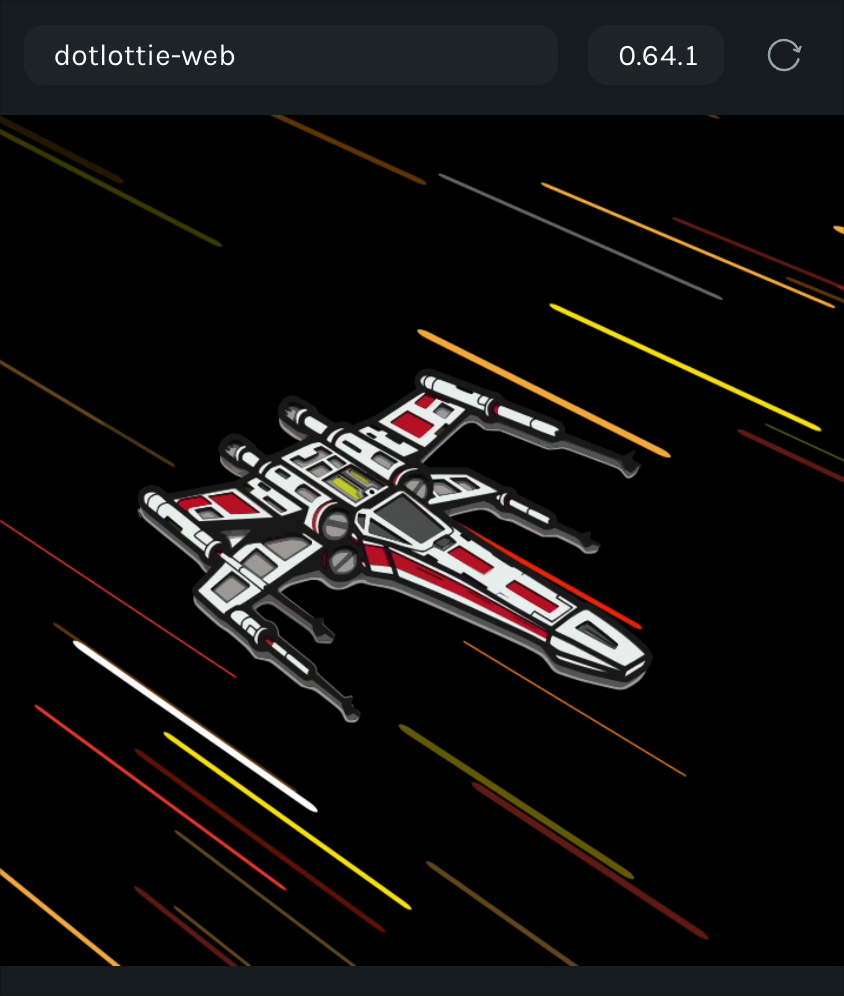
Warp Effects Generator
Sundar
designv1.3.1Generate looping warp effects — hyperspace tunnels, streaks, comic bursts, star fields — and add camera-shake motion to any layer
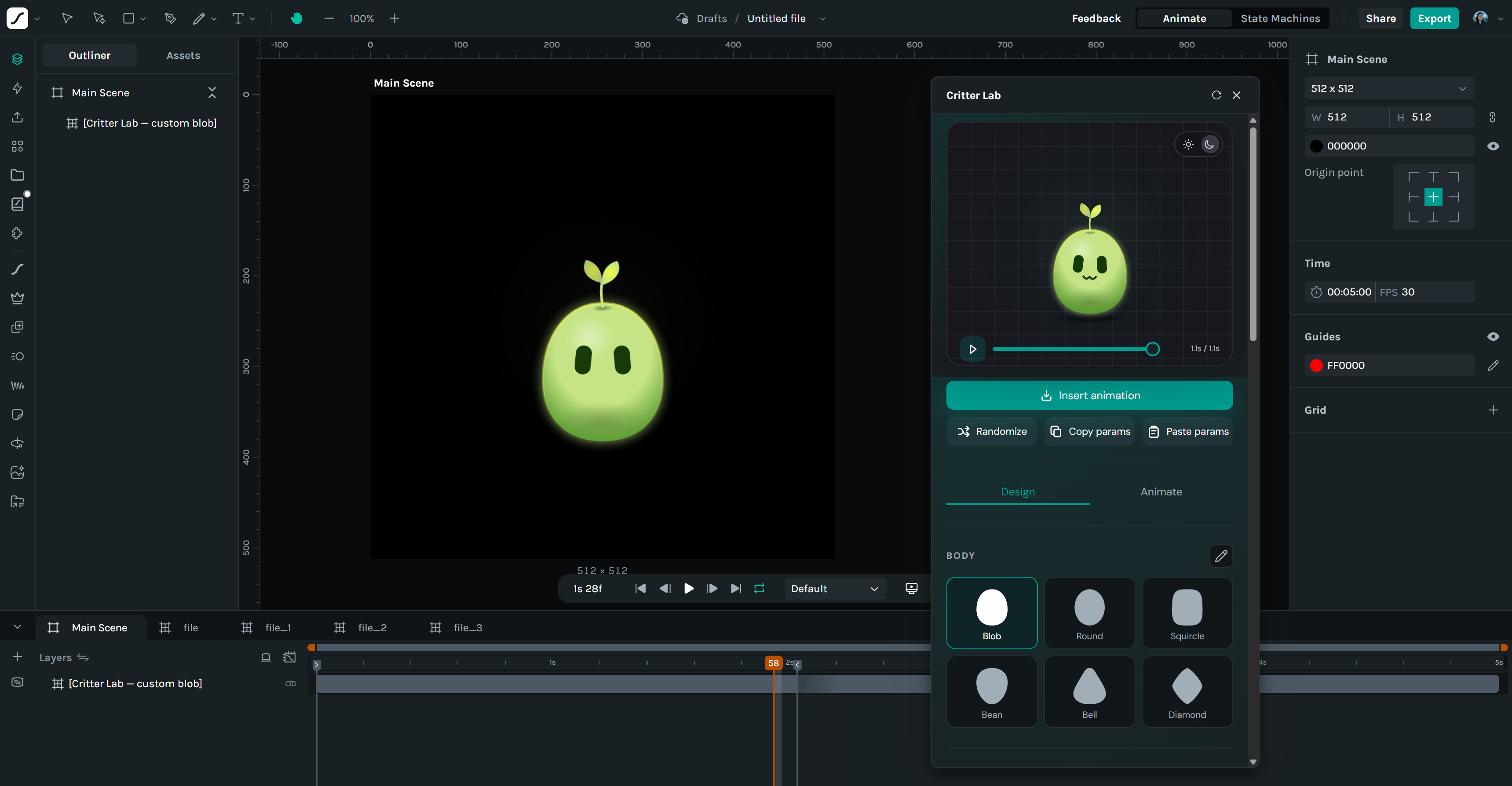
Critter Lab
Jen
designv1.0.1Create and animate weird and wobbly critters.