Back to plugins
BTS - Behind the Scenes

BTS - Behind the Scenes

Created byMotion Mau
Favorites
4

Screenshots

About this plugin

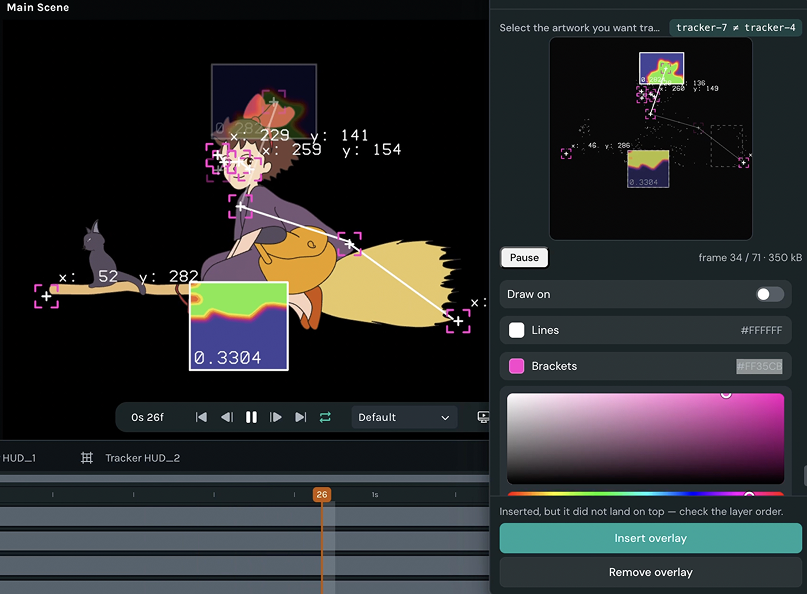
BTS traces what your animation is actually doing and draws it back on top, so a finished piece becomes a breakdown worth posting.

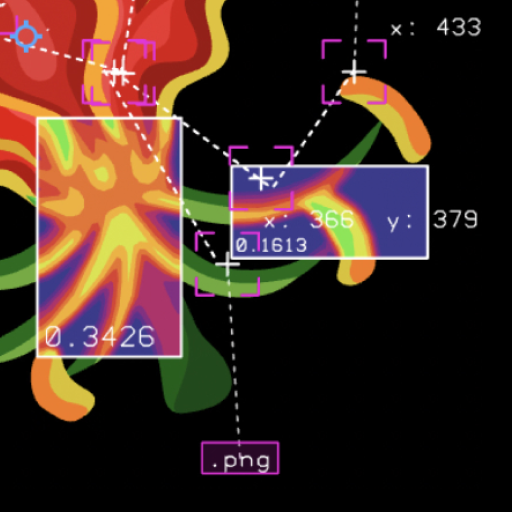
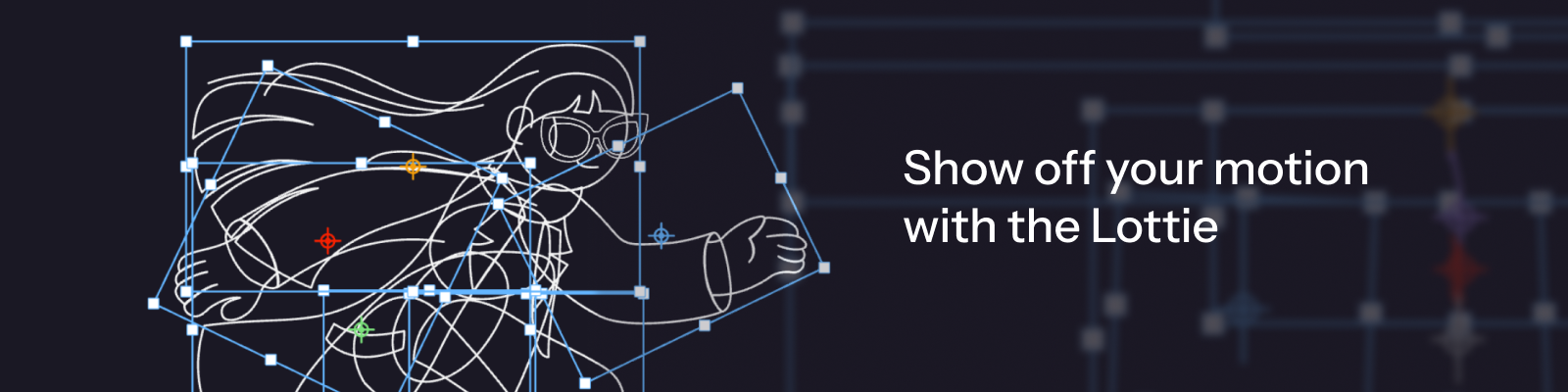
It analyzes every visible, animated layer in the active scene: world space motion paths, keyframe markers placed on the path at the frame they fire, anchor crosshairs, animated bounds, parent to child hierarchy links, and name tags.

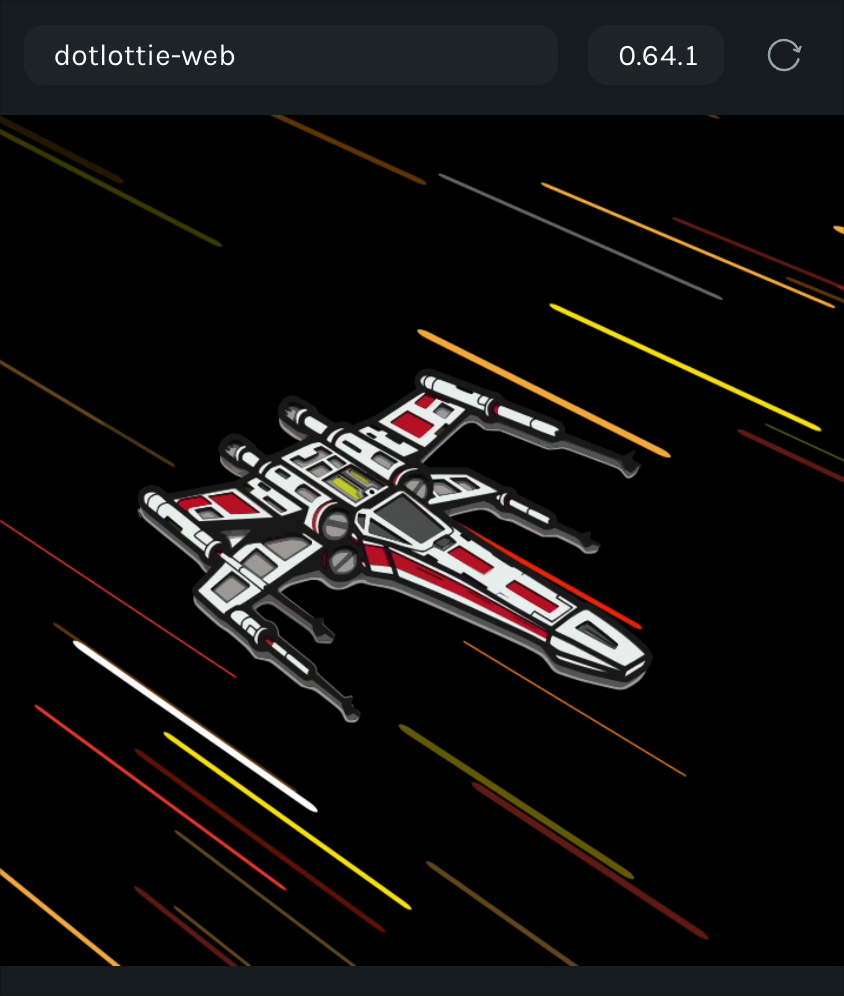
Drop your own animation. Drop a Lottie file onto the panel or paste a link (lottie.host works out of the box)

What you get:

  • Motion paths in world space, with keyframe markers on the path

  • Anchor crosshairs, animated bounds, parent to child hierarchy links, and name tags

  • Live panel preview with playback and scrubbing (scrubbing moves Creator's playhead too)

  • Clean, Detailed, and Technical presets, plus save your own

  • One click still export, framed and sized for social posts

  • Drop in or link a Lottie file to trace, with automatic null layer repair

  • Panel and canvas follow Creator's light and dark theme

New in version 1.0.1

1.0.1

The overlay now lines up with your artwork, and what you insert matches what you see in the preview.

New

  • Overlay size. One slider to scale every mark: paths, boxes, anchors, keyframes.

  • Add a Lottie from a link. Paste a URL or drop a file on the button.

  • Video export. Coming soon.

Improved

  • Bounding boxes rotate with the layer.

  • Motion path trails fade when inserted, just like the preview.

  • Keyframe marks appear and fade with the trail.

  • Fix Lottie is now Add Lottie.

  • Adjusting Label size turns labels on.

  • Refreshed panel type and colour.

Fixed

  • Jitter on rotating layers.

  • Duplicated scenes now follow their own position and size.

  • Layers that were being skipped are now traced.

  • Outlines follow shapes that change form.

  • Trails stay in step with the animation.

  • Older saved presets no longer break the overlay.

  • Key trace picks the layers that actually move the most.

  • Adding a file waits for it to load before playing.

Known limits

  • Blur and glow effects cannot be rendered, so those layers show as outlines.

  • Text size and font are approximated.