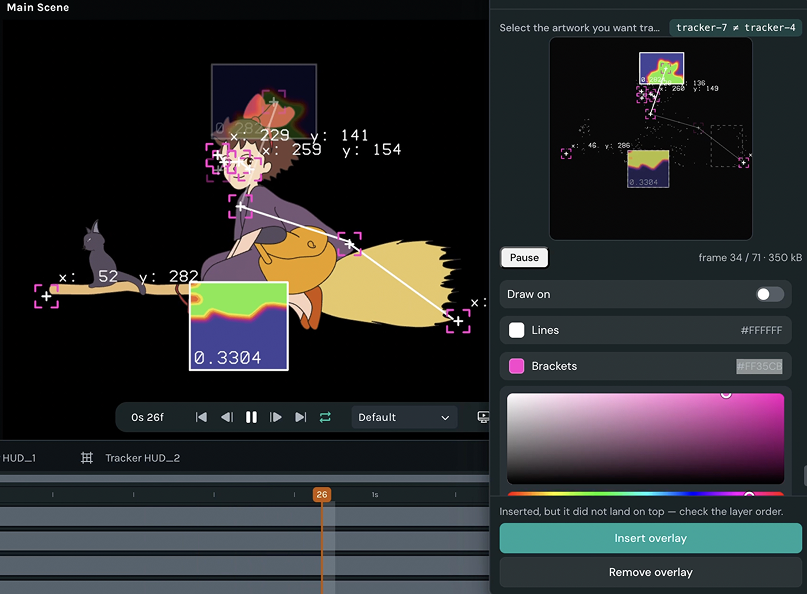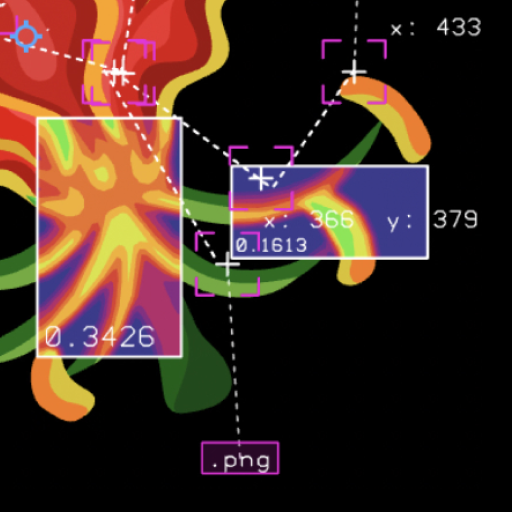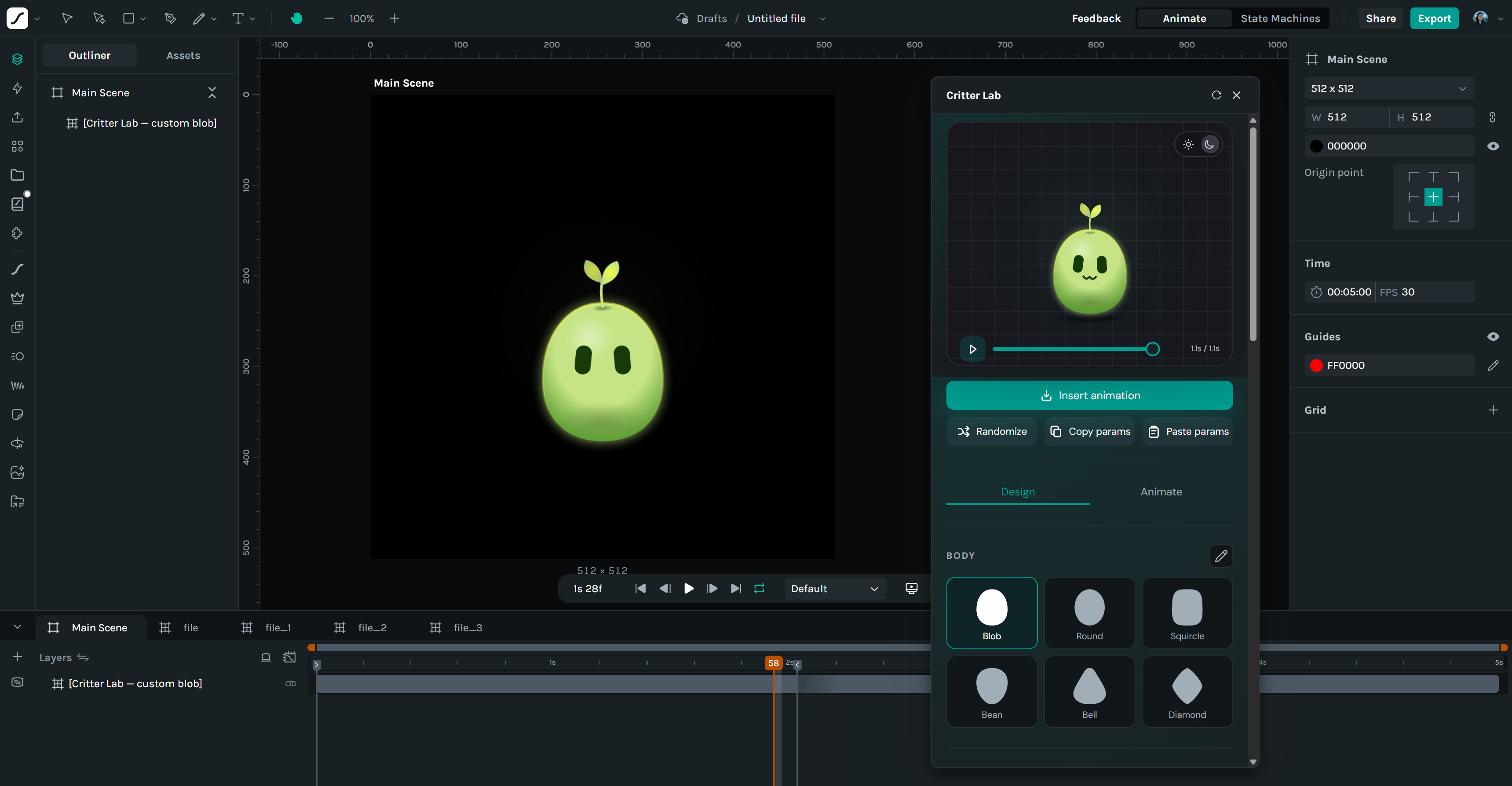

Screenshots

About this plugin

Turn filled vector artwork into editable stroke paths without leaving Lottie Creator.

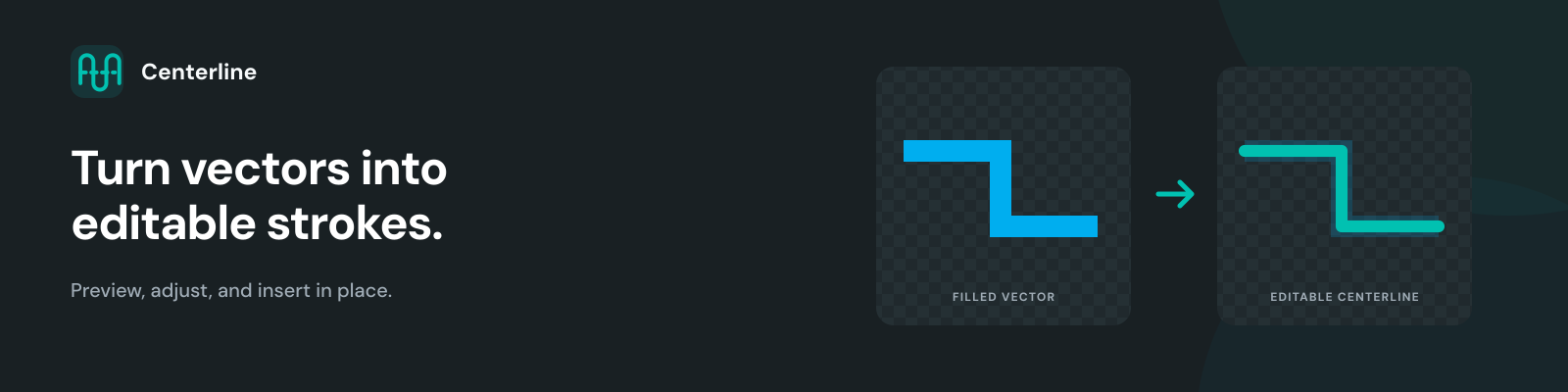
Centerline reads one selected path, group, or shape layer at the active frame. It derives one or more centerline paths, suggests a stroke width from the source geometry, and previews the planned result over the original.

How to use Select one filled vector path, group, or shape layer. Open Centerline and select Convert selected vector. Review the preview and adjust the stroke width. Select Insert centerline. Centerline adds the result as a new shape layer at the source position. The original remains unchanged.

Built for editing and animation Editable open paths with Creator strokes A suggested width for each derived path Live stroke-width adjustment in the preview Support for nested groups, transformed shape layers, and compound fills Safety checks if the selection, frame, geometry, or paint changes before insertion Important limitations The result is a static sample of the active frame. Source animation and later keyframes are not copied. Select one path, group, or shape layer at a time. Text, images, other layer types, and multiple selections are not supported. Creator uses one width per editable stroke path. Variable-width artwork becomes an editable driver and might not look identical to the source fill. A matching visible stroke is available only for verified constant-width artwork with one opaque solid fill. Complex geometry can produce several paths, need review, or be rejected. Always check the preview before insertion.

New in version 1.0.1

Highlights

  • Enter an exact stroke width — Select the width value and type a number between 0.25px and 100px. The preview updates immediately.

  • Fine-tune with fewer clicks — Use direct entry for large changes and the minus and plus controls for 0.25px adjustments.

Fixes

  • Removed the Developer details panel from production builds.

  • Added release validation to prevent development-only controls from appearing in published bundles.