Screenshots

About this plugin

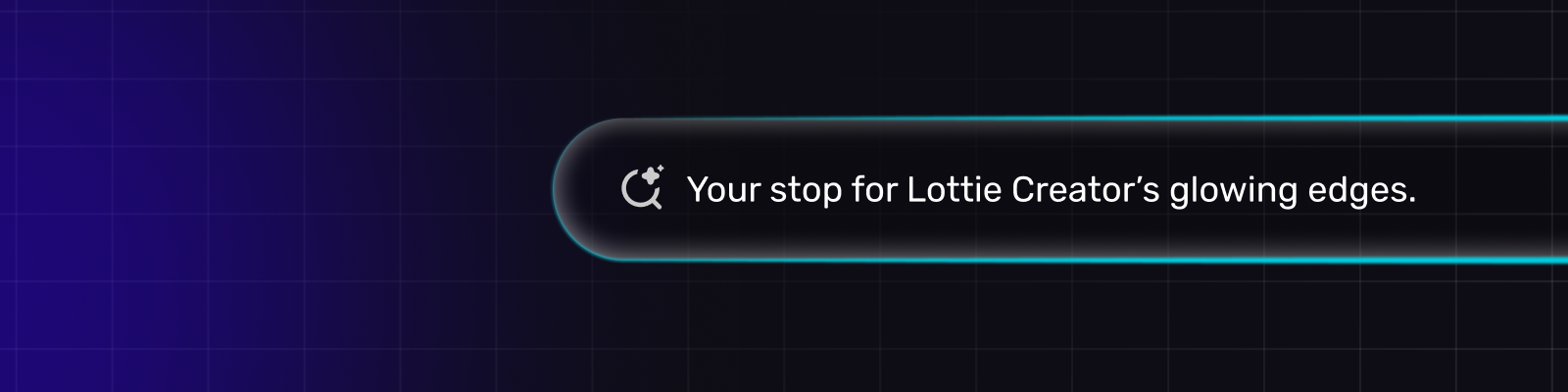
Glowing Strokes adds a neon glow around any shape already on your canvas — the kind used on buttons, cards, badges and status pills.

Select a shape in Creator, open the plugin, and pick a look. The glow is built from your shape's own outline and inserted as its own layers behind it, at its exact position. Your artwork is never modified.

Presets

Nine looks, each landing correctly on a 60px button or a 600px card:

  • Drift — a soft bloom sliding around the rim

  • Beacon — a tight, bright pip that circles

  • Prism Bar — a blue-to-violet gradient rim with a hot head running along it

  • Ion Pill — gradient rim with two travelling heads

  • Sweep — a wide light sweeping the border

  • Spark Ring — four quick sparks, for an active or processing state

  • Orbit — a bare comet orbiting, at the smoothest falloff the plugin builds

  • Ember — a slow, warm breathing glow

  • Hot Pill — a fast pink pulse

Control

Presets are a starting point. Every part is adjustable:

  • Glow — colour or a two-stop gradient rim at any angle, spread, intensity, softness, core stroke, and 1–20 blur layers

  • Motion — static, pulse, flicker, hue cycle, or chase, with 1–4 travelling lights, adjustable trail length, and a choice between a comet (bright at the front) and a bloom (bright in the middle)

  • Blend — flat, screen or add, so overlapping light blooms toward white instead of just getting more opaque

Built from real blurs

The glow is a stack of blurred copies of your outline, spaced so that raising the layer count makes the falloff smoother without making it brighter or wider. At 10 layers the result sits within 0.05% of a perfectly continuous falloff.

Output is authored as real Lottie with Gaussian Blur effects, not faked with flat shapes — so it renders as intended wherever your animation plays. The panel preview and the inserted result are built from the same code and match to under two levels out of 255.

New in version 1.0.0

Glowing Strokes 1.0.0

Wrap any shape on your canvas in a neon glow, the kind used on buttons, cards, badges and status pills. Select a shape in Creator, pick a look, and the glow is built from that shape's own outline and inserted as its own layers, positioned exactly and parented to it, so moving or animating the shape carries the glow along.

Nine presets

Prism Bar, Drift, Beacon, Ion Pill, Sweep, Spark Ring, Orbit, Ember and Hot Pill, each landing correctly whether it's sitting on a 60px button or a 600px card.

Full control

  • Glow — colour or a two-stop gradient rim at any angle, spread, intensity, softness, core stroke, and 1–20 blur layers

  • Motion — static, pulse, flicker, hue cycle, or chase, with 1–4 travelling lights, adjustable trail length, and a Light blur control to soften the travelling light itself, from a crisp streak to a molten glow

  • Blend — flat, screen or add, so overlapping light blooms toward white instead of just getting more opaque

Built right

  • Real Gaussian blur, authored as genuine Lottie effects — not faked with flat shapes — so it renders as intended wherever the animation plays

  • The panel preview and the inserted result are built from the same code and match to under two levels out of 255

  • Runs correctly in Safari, where the panel's live preview falls back to a hand-built blur profile so what you see matches what exports everywhere

  • A simplified three-tab panel — Presets, Glow, Motion — with fewer knobs that didn't earn their place